
Amazon FBA
Seller Central
Amazon Sellers

Scroll through Amazon search results on your phone and you will notice that not every ad is a still image. Some results start playing a short, silent clip as soon as they come into view. Many of those are Sponsored Brands video ads, one of the formats Amazon offers to brand owners who want shoppers to see a product in motion before they click.
Video can show what a photo cannot: how a product opens, folds, pours, fits, or works. It also comes with more rules than a text or image ad. Amazon publishes strict file specs, reviews every video before it runs, and lists common reasons videos get rejected. This guide walks through what Sponsored Brands video is, where it shows up, the exact specs from the Amazon Ads Sponsored Brands video spec page, the moderation rules, and a simple plan for producing and testing your first video without overspending.
Sponsored Brands is Amazon's ad type built to help shoppers discover a brand, not just a single listing. According to the Amazon Ads Sponsored Brands overview, it can use video, image, or collection creatives, and the ads appear in prominent spots such as the top of search results and on product pages. The video version replaces the static creative with a short clip that plays automatically.
Amazon's spec page describes the parts of the ad unit:
Two facts from that list shape every creative decision: the video starts muted, and it starts on its own. Most shoppers will judge your clip in the first seconds, with no sound, while they are scrolling. A video that relies on a voiceover to make sense, or that opens on a slow logo animation, wastes the moment that matters most.
Sponsored Brands is a brand-level format, so it is aimed at brand owners. For third-party sellers that means enrolling the brand in Amazon Brand Registry first. If you have not done that yet, our guide to Amazon Brand Registry enrollment and brand tools explains the steps. Some product categories are not eligible for Sponsored Brands, so check the eligibility notes in your ad console before you plan a video for a specific product.
Amazon's getting started guide for Sponsored Brands video says these ads can appear on search results pages, both at the top of search and within the results, and on product detail pages. When a shopper clicks, you choose where they land:
Amazon also notes that some campaign goals only allow the Brand Store as a landing page. That matters if your Store is thin or out of date. Before you send paid traffic there, make sure the Store looks current. If you are preparing for the holiday weeks, refresh the Store's hero images and featured products before the campaign starts.
Sponsored Brands video uses the same targeting ideas you may already know from other Amazon ad types:
If you are still building your keyword list, start with terms you already know convert. Our article on the Search Query Performance report shows how to find them from Amazon's own data instead of guessing.
There is no separate fee to make a Sponsored Brands video ad. You pay for delivery, and the model depends on the campaign goal you select. Amazon lists two options on its getting started page:
Amazon also says there is no minimum spend requirement, so you can start with a small daily budget. A small budget does not mean a small risk, though. A video campaign can spend its budget quickly on broad keywords if you do not watch it. Set a daily cap you are comfortable losing while you learn, and review the search term report often in the first weeks. Our guide to Amazon PPC budget optimization for beginners explains how to set and pace that budget.
Amazon rejects files that do not meet its technical specs, so check these before you upload. The table below is copied from the Sponsored Brands video ad specs page on Amazon Ads:
| Spec | Requirement |
|---|---|
| Video duration | 6 to 45 seconds (20 seconds or less highly recommended) |
| Dimensions | 1280x720, 1920x1080, or 3840x2160 px |
| Aspect ratio | 16:9 (square pixel) only |
| File size and format | 500 MB or less; .MP4 or .MOV |
| Video codec and profile | H.264 or H.265; Main or Baseline |
| Frame rate | 23.976, 23.98, 24, 25, 29.97, 29.98, or 30 fps |
| Video bit rate | Minimum 1 Mbps (4 Mbps or higher recommended) |
| Scan type | Progressive |
| Audio | PCM, AAC, or MP3; stereo or mono; minimum 96 kbps and 44.1 kHz |
Beyond the file specs, the same page adds layout rules that cause many rejections:
Most free and paid editors let you export H.264 MP4 at 1920x1080 and 30 fps, which fits every line in the table. Check the bit rate in your export settings, because some "web" presets go below the recommended 4 Mbps.
A video ad only helps when the listing, the keywords, and the budget behind it make sense. Bubba Academy's step-by-step program shows sellers how to build listings, set up Amazon ads, and read the reports that follow.
Every Sponsored Brands video goes through moderation before it runs. Amazon's guide to Sponsored Brands and display ads moderation lists the most common reasons videos are rejected. Paraphrased, they include:
The same guide recommends on-screen text of at least 50 points (100 points preferred) for 720p and 1080p videos, and at least 100 points (200 points preferred) for 4K videos. It also says videos must be relevant to the product or brand advertised and must lead to a relevant landing page.
"Unsubstantiated claims" is the item that catches the most well-meaning sellers. Words like "best," "number one," "clinically proven," or "guaranteed results" need proof that Amazon can verify. If you cannot back a claim with documentation, show the product doing the thing instead of saying it. A clip of a bottle staying upright in a bag is more convincing, and easier to approve, than the words "100% leakproof."
Amazon's spec page highly recommends 20 seconds or less, while its moderation guide calls 15 to 30 seconds the optimum length. It also gives two timing rules worth building around: show the product in the first two seconds, and mention its key benefits in the first five seconds. Here is one way to plan a clip that follows both:
Amazon's guidance also says to wait until later in the video to show your brand name and logo, and to keep the video brief and focused. The goal is not to explain every feature. It is to make a scrolling shopper curious enough to click.
Because the video starts muted, write every important message as on-screen text. Amazon's getting started guide recommends closed captions. Keep each line short and on screen long enough to read, use high-contrast colors, and stay out of the lower right corner. If you add music or a voiceover, treat it as a bonus for the few shoppers who unmute, not as the main way you tell the story.
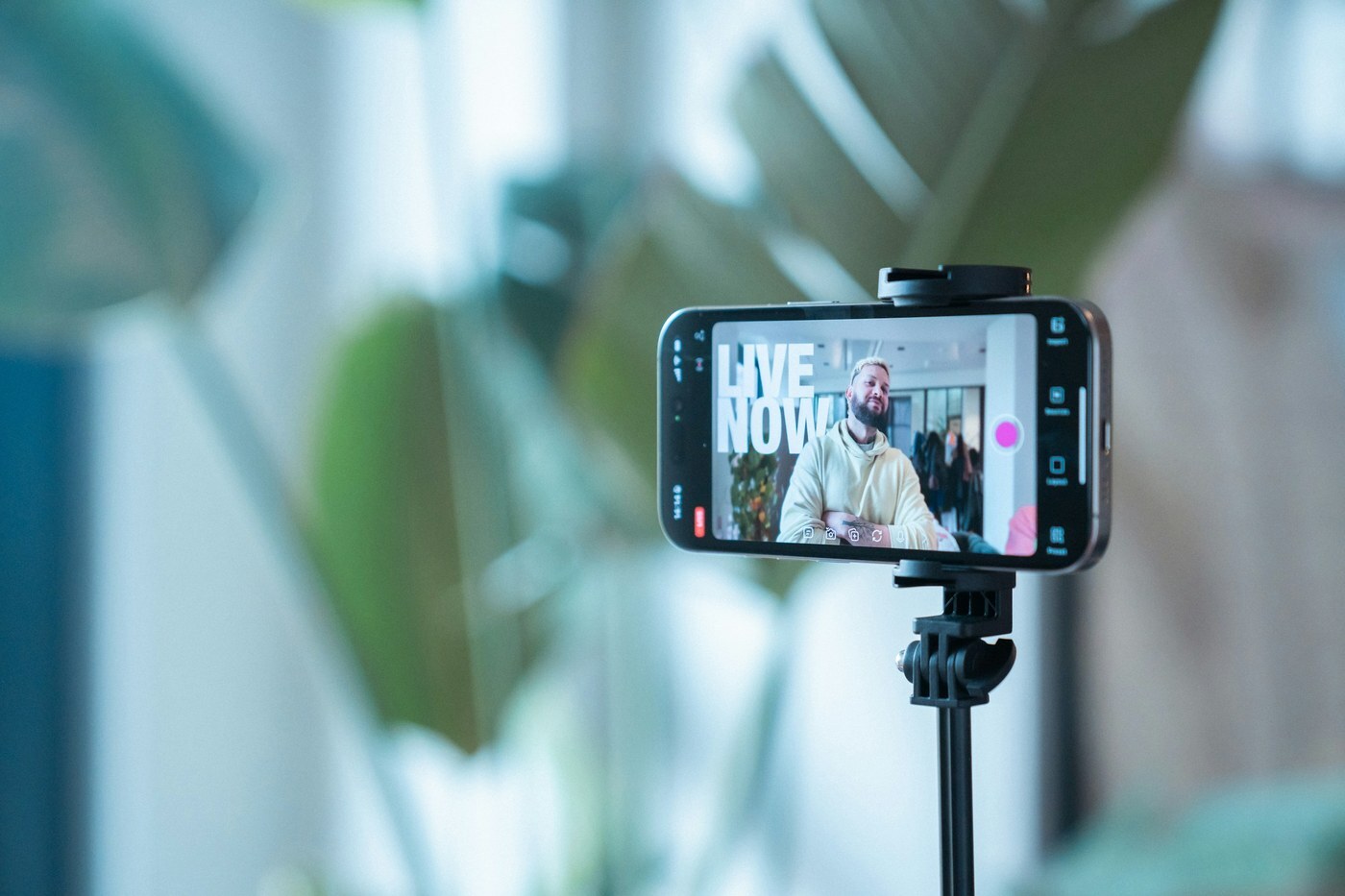
You do not need a film crew for a first test. Amazon's getting started page says you can build a video in under ten minutes from customizable templates in the ad console, or get help from Amazon's creative services. Many sellers also shoot their own footage. A few practical tips:
If you already have a listing video or a video you made for social media, review it against the specs and rejection list before reusing it. Many social clips are vertical, fast-cut, and built around trending audio, which makes them a poor fit for a muted, horizontal search placement.
Once the video is ready, the setup follows the usual Sponsored Brands flow in the ad console: choose the campaign goal, pick the landing page (Brand Store or detail page), choose the product to feature, upload the video, add targeting and negatives, set your bid and budget, and submit for moderation.
Amazon's getting started guide lists three reports to watch after launch:
The Sponsored Brands overview also mentions new-to-brand metrics, which show how many purchases came from shoppers who had not bought from your brand recently. That is useful context for a brand-awareness format, but judge the video on more than one number. Look at click-through rate, cost per click, conversion rate, and your advertising cost of sales together. Our guide to ACOS vs TACOS explains how to read ad spend against total sales so one campaign does not mislead you.
Video gives you more variables than a text ad: the opening shot, the on-screen text, the length, the end card, and the landing page. If you change several at once, you will not know what helped. Run one version long enough to collect meaningful data, then change one element and compare. Amazon's results can vary a lot by category, season, and competition, so treat each test as information, not as a guarantee of what the next one will do. The same one-change rule applies if you later add other formats; our guide to Amazon display ads (formerly Sponsored Display) shows how to set up a small first test.
Pick one product that already sells steadily, has strong images and reviews, and stays in stock. Plan a 20-second, sound-off video around its single most useful benefit, run it against the checklist above, and launch with a small budget you review every few days. If you want a structured way to learn Amazon ads, listings, and brand building, explore Bubba Academy, its digital marketing training, and the Amazon training course.
Bubba Academy trains sellers on product research, sourcing, listings, brand building, FBA inventory, pricing, and ads, so you can test new ad formats with a clear plan instead of guesswork.
Join Bubba Academy Today →Sponsored Brands is a brand-level ad format, and third-party sellers generally need their brand enrolled in Amazon Brand Registry to use it. Check eligibility in your ad console, because some categories are not eligible.
Amazon allows 6 to 45 seconds. Its spec page highly recommends 20 seconds or less, and its moderation guide calls 15 to 30 seconds the optimum length.
Amazon's Sponsored Brands video spec page lists a 16:9 aspect ratio only and does not allow black, colored, or blurred bars. Shoot in landscape for this format rather than adding bars to a vertical clip.
No. Amazon says videos always start without audio, and shoppers can tap a button in the lower right corner to turn sound on. Put your key message in on-screen text and captions.
Common reasons in Amazon's moderation guide include low resolution, black frames at the start or end, text that is too small or low-contrast, abrupt endings, jarring edits, poor audio, and unsubstantiated claims. Fix the specific issue and resubmit.