
If you're sending inventory to Amazon's warehouses, picking the wrong shipping method can quietly drain your margins. An SPD vs LTL shipping FBA cost comparison is one of the most overlooked profit levers for intermediate sellers — yet it can save you hundreds (or thousands) of dollars per shipment.
Small Parcel Delivery (SPD) and Less Than Truckload (LTL) are the two primary ways FBA sellers move inventory into Amazon. Each has its own pricing structure, packaging rules, and risk factors. Choosing correctly depends on box count, total weight, dimensions, and your turnaround needs.
In this guide, you'll learn exactly when SPD beats LTL, when LTL wins, how Amazon's partnered carrier rates work, and how to calculate the true cost per unit so you can make the smartest shipping decision every time.

📦
Free Download: The Amazon FBA Starter Checklist
Before you source your first product, make sure you have the fundamentals locked in. This free checklist is used by hundreds of Bubba Academy students to launch faster and avoid costly rookie mistakes.
- ✓ Step-by-step product selection framework
- ✓ Supplier sourcing and negotiation checklist
- ✓ First FBA shipment prep guide
What SPD and LTL Actually Mean for FBA Sellers
Small Parcel Delivery (SPD) means each box ships individually, like a regular UPS or FedEx package. Amazon's partnered carrier program with UPS gives FBA sellers discounted rates, and each box gets its own tracking number.
Less Than Truckload (LTL) means your boxes are stacked on a pallet and moved by a freight carrier. You're sharing truck space with other shippers, and the pallet is treated as one shipment with one bill of lading.
Key differences:
- SPD: Box-level handling, faster transit, no pallet required, lower setup complexity
- LTL: Pallet-level handling, slower transit, requires a forklift or loading dock at pickup, lower per-pound cost on heavy shipments
- Weight thresholds: SPD boxes max out at 50 lbs each (or 100 lbs for single oversized items). LTL takes over when total shipment weight exceeds 150 lbs or you have more than ~10–15 boxes
- Amazon classification: SPD is billed per package; LTL requires BOL paperwork, pallet labels, and freight class
If you're shipping 1–10 small boxes, SPD is almost always simpler. Beyond that, LTL starts becoming worth evaluating.
When SPD Saves You the Most Money
SPD wins on small, light, and time-sensitive shipments. Amazon's partnered UPS rates are deeply discounted — often 60–70% below retail UPS pricing — making SPD shockingly cheap for small loads.
SPD is the cheaper option when:
- You're shipping 1–8 boxes total
- Each box is under 50 lbs and reasonably sized
- Total shipment weight is under 150 lbs
- You need fast transit (typically 2–5 business days)
- Your inventory ships from a home or location without a loading dock
Real example: 5 boxes at 30 lbs each (150 lbs total) shipping from Texas to a California FC.
- SPD via Amazon partnered UPS: ~$45–$65 total ($9–$13 per box)
- LTL on a pallet (1 pallet, ~200 lbs billable): ~$95–$140 plus liftgate fees
For low box counts, SPD often beats LTL by 30–50%. SPD also avoids accessorial fees like residential pickup, liftgate service, and limited access charges that quickly inflate LTL invoices.
The catch: SPD pricing scales linearly. Every box adds cost. Once you cross ~10 boxes or 250+ lbs, the math flips.
When LTL Becomes the Clear Winner
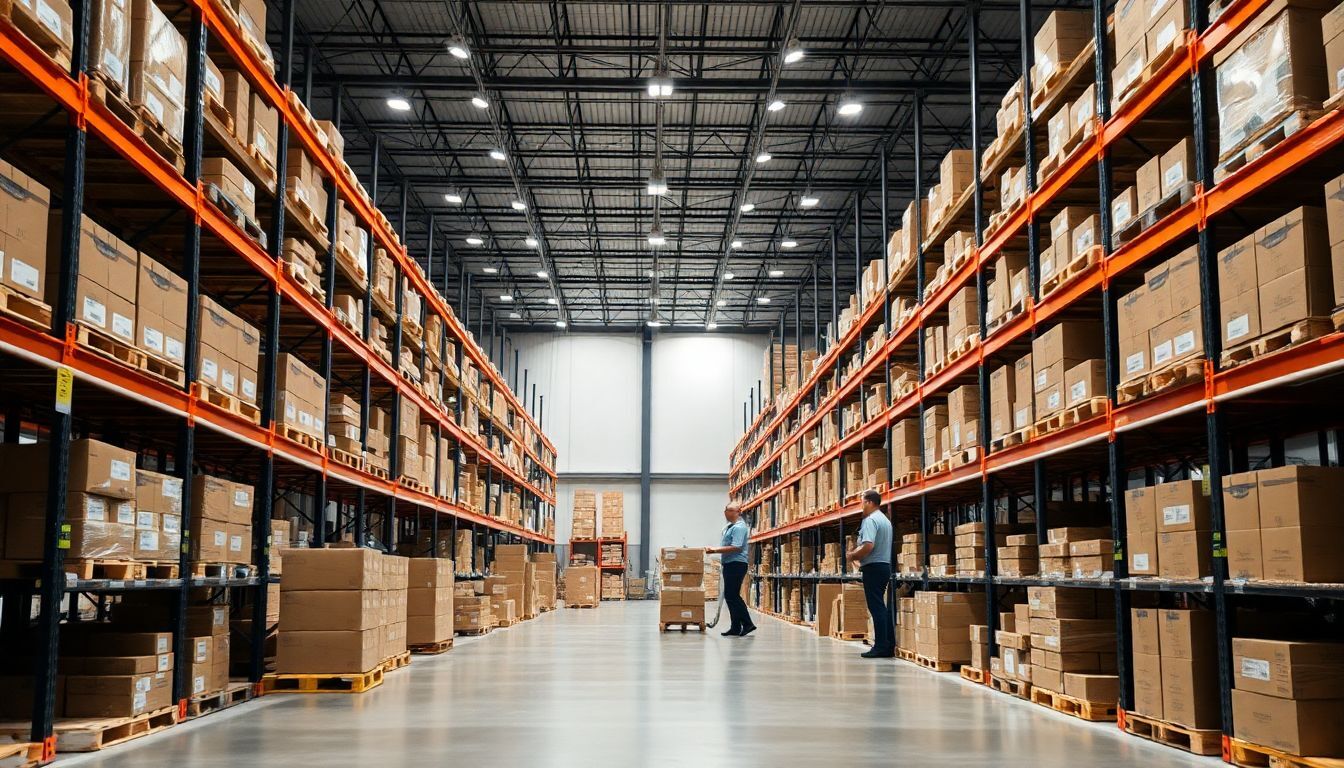
LTL dominates on volume. Once you're shipping a full or near-full pallet, the per-pound cost drops dramatically because freight carriers price by pallet space, weight class, and lane — not per box.
LTL is the cheaper option when:
- You have 10+ boxes or 300+ lbs total
- Boxes are heavy (40–50 lbs each) and would each trigger high SPD fees
- You can build a full pallet (up to 1,500 lbs and 72" tall)
- Your supplier or 3PL has a loading dock or forklift
- Transit time of 5–10 business days is acceptable
Real example: 20 boxes at 40 lbs each (800 lbs, 1 pallet) from Texas to California.
- SPD via partnered UPS: ~$280–$400
- LTL: ~$150–$220 all-in
That's a $100–$200 savings per shipment — money that goes straight to your bottom line. The bigger the shipment, the bigger the LTL advantage.
LTL also reduces handling damage risk, since shrink-wrapped pallets get moved by forklift instead of being tossed box-by-box across multiple sortation hubs.
📊
Cut Your Amazon Costs Before They Cut Your Profits
Successful FBA sellers don't guess at their costs — they calculate them precisely before sourcing anything. Bubba Academy teaches you how to build a profitable cost structure and protect your margins on every product you sell.
- → True landed cost calculation (product + shipping + fees)
- → Margin targets that actually work for FBA
- → How to price competitively without losing money
How to Calculate Your True Cost Per Unit
Don't compare shipment totals — compare cost per unit landed at Amazon. This is the only number that affects your actual profit.
Use this formula:
Total shipping cost ÷ Total units shipped = Cost per unit
Step-by-step process:
- Get your SPD quote in Seller Central by creating a shipping plan and selecting "Small Parcel Delivery" with Amazon partnered carrier
- Get an LTL quote from a partnered carrier (Amazon's partnered LTL is rarely the cheapest — try Freightquote, Flexport, or a dedicated FBA freight broker)
- Add accessorial fees: liftgate (~$50–$100), residential pickup (~$50), inside delivery if applicable
- Divide by total units in the shipment
- Compare against your product margin to confirm shipping isn't eating more than 5–8% of revenue
Example: 500 units in a shipment.
- SPD total: $400 → $0.80 per unit
- LTL total: $250 → $0.50 per unit
- Savings: $0.30 per unit × 500 = $150 saved
Run this calculation on every shipment over $200 in shipping costs. The 5 minutes you spend will compound across the year.
Hidden Costs and Mistakes That Kill Your Savings
Sellers often pick the wrong method because they only compare base rates. The real cost comes from fees, errors, and downstream Amazon penalties.
Watch out for these traps:
- Dimensional weight on SPD: Light, bulky boxes get billed by volume, not actual weight. A 20-lb box measuring 24"×18"×18" might bill as 47 lbs
- LTL freight class errors: If you misclassify your freight (e.g., declaring Class 70 when it's actually Class 125), the carrier reweighs and reclasses, adding $50–$200 in surprise fees
- Pallet overage: Going 1" over 72" pallet height often triggers a second-pallet charge
- Missed PO appointments: Amazon LTL shipments require scheduled delivery appointments. Late or missed appointments cause refusals and storage fees
- Improper labeling: SPD needs FBA labels on each box; LTL needs FBA labels plus pallet labels on all four sides
- Inbound placement fees: Both methods can trigger Amazon's new inbound placement service fees — calculate these separately
Pro tip: Use a freight broker who specializes in FBA. They negotiate better rates than Amazon's partnered LTL, handle BOL paperwork, and prevent classification mistakes that wipe out your savings.
Conclusion
The SPD vs LTL decision comes down to volume and weight. Use SPD for small shipments under 150 lbs or 8 boxes. Use LTL once you're moving 10+ boxes, 300+ lbs, or a full pallet — the per-unit cost drops dramatically and protects your margins as you scale.
Always calculate cost per unit, not total shipping cost. Watch for dimensional weight on SPD, freight class errors on LTL, and accessorial fees that quietly inflate your invoice.
Your next step: Pull up your last 3 FBA shipments and recalculate them using the opposite method. If you've been defaulting to SPD on heavy shipments — or paying for LTL on small ones — you'll likely find $50–$300 in savings sitting on the table. Apply that lesson to your next shipping plan and start keeping more of every sale.
🚀
Join Bubba Academy — Build Your Amazon Business the Right Way
You've learned the concepts. Now build the business. Bubba Academy gives you a complete step-by-step roadmap — from finding your first product to your first profitable sale on Amazon.
- ✓ Complete FBA launch roadmap from zero to first sale
- ✓ Private community of active Amazon sellers
- ✓ Live coaching and expert support
Frequently Asked Questions
What's the difference between SPD vs LTL shipping FBA cost comparison for small sellers?
SPD (Small Parcel Delivery) charges per box and works best when you're shipping fewer than 10-15 boxes or under 150 lbs total. LTL (Less Than Truckload) ships pallets and becomes cheaper once you cross that threshold because it's priced by weight and freight class, not box count. For most small sellers under 150 lbs, SPD usually wins on total cost.
At what weight does LTL become cheaper than SPD for Amazon FBA?
LTL typically beats SPD once your shipment hits around 150-300 lbs or 10+ boxes. The exact break-even point depends on your freight class, distance to the FBA warehouse, and current UPS rates through Amazon's Partnered Carrier program. Always quote both options before booking to confirm.
Is SPD or LTL faster for getting inventory checked into Amazon?
SPD is almost always faster because boxes are scanned and processed individually as they arrive, often checking in within 1-3 days. LTL pallets can sit in receiving for 5-10 days or longer because the entire pallet must be broken down and scanned. If you're low on stock, SPD is the safer choice.
Does the SPD vs LTL shipping FBA cost comparison change if I use Amazon Partnered Carrier?
Yes, significantly. Amazon's Partnered Carrier rates for SPD through UPS are heavily discounted and hard to beat for small shipments. For LTL, Partnered Carrier rates are competitive but you can sometimes find cheaper third-party freight brokers, especially for shipments over 500 lbs.
Can I split my shipment between SPD and LTL to save money?
Yes, and it's a smart strategy when you have mixed inventory sizes. Send fast-moving SKUs via SPD for quicker check-in and bulkier or slower-moving items via LTL to save on freight costs. Just make sure each shipment meets Amazon's minimum requirements and is created as a separate shipment ID.