Amazon FBA
Seller Central
Amazon Policies


Amazon sellers juggle pricing, inventory, listings, account health, and customer questions every day. Amazon's answer is Seller Assistant, a free AI assistant inside Seller Central that answers questions about your business and, with your permission, takes action for you.
At Accelerate 2026 in September, Amazon added Seller Assistant Workflows: saved automations that run on a schedule or on demand, even when you aren't logged in. It also launched a plugin that brings your Seller Central data into Amazon Quick and Anthropic's Claude.
In this article, you'll learn what Seller Assistant can do, how the five pre-built workflows work, how to set up your first one, what still needs your approval, and how to use these tools to prepare for the holiday season.
AI tools work best when the basics are right: the right product, the right price, and a clean launch. This free checklist is used by Bubba Academy students to research products, launch faster, and avoid costly rookie mistakes.
Amazon describes Seller Assistant as an AI-powered assistant that helps you find answers, understand your business, and get things done in Seller Central by asking in plain language. Amazon first launched it in 2023, and its help page says it's free to use. Amazon has said you can open it from the AI icon (✨) in the Seller Central search bar.
You can ask selling questions ("How do I sell with FBA?"), business questions ("What were my sales in the last quarter?"), and account questions ("Are there any issues with my account?"). With your permission, it can also take action: investigate inactive or blocked listings, help resolve stranded inventory, analyze storage fees and aged inventory surcharges, assess Featured Offer eligibility, identify open compliance violations, and create support cases.
Amazon's help page also says AI is experimental and can make mistakes, and recommends verifying answers with the source links provided.
In its September 23, 2026 announcement, Amazon said Seller Assistant has rolled out to over 90% of its selling partners worldwide and that sellers accept its recommendations over 90% of the time. The upgrade added:
It also added workflows and a plugin for outside AI tools, covered below.
Before workflows, Seller Assistant acted only when you asked, for example "draft a restock plan." Amazon's Seller Assistant Workflows help page describes workflows as multi-step tasks you save that run automatically on a schedule or on demand. They're currently available in the US store only.
Amazon offers five pre-built workflows you can adjust:
For any workflow, you choose whether it only surfaces recommendations or also takes actions. Amazon says every action is logged with a complete audit trail.
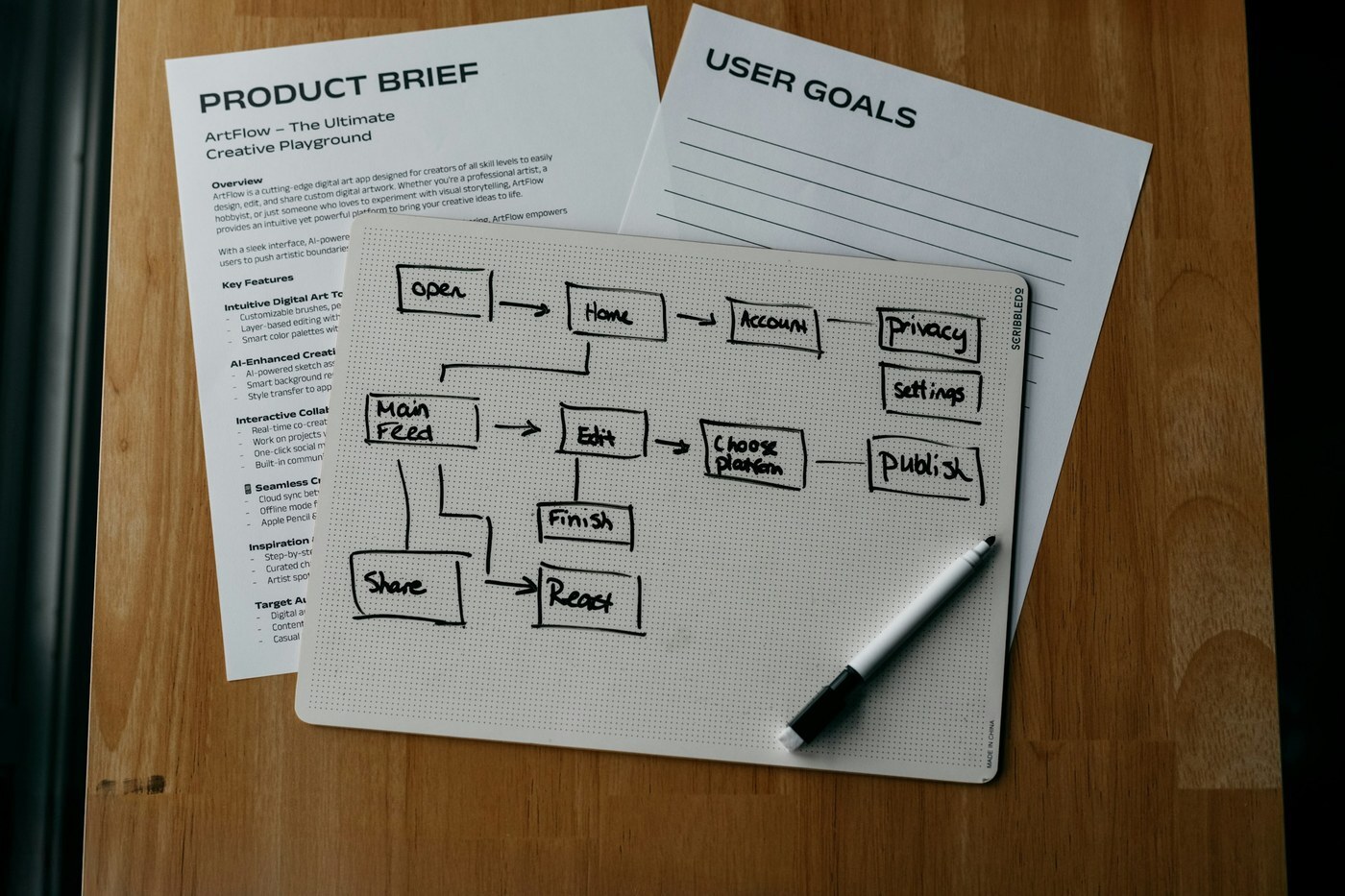
Click Create Workflow and describe the task in plain language. Seller Assistant asks follow-up questions to fill in the details. Preview it with simulated data, then activate it. One of Amazon's examples: "Alert me if any of my top 10 products drop below a 4-star rating and draft a response plan."
A knowledge base is a collection of your business documents, such as your return policy, shipping preferences, or SKU-specific guidelines. When a workflow runs, it searches your knowledge base so its actions follow your rules instead of general knowledge. Write your rules down before automating anything that touches customers.
Amazon's help page lists these built-in limits:
For teams, note that the primary account owner and all secondary users can view, edit, approve, and execute all workflows on the account. Primary users have full Seller Assistant access by default. To add a team member, go to Settings > User permissions, click Edit next to the user, enable Edit access for the Seller Assistant permission, and save. Amazon advises granting it only to trusted people.
An assistant can suggest prices and restock plans, but you still need to know if the numbers make sense. Bubba Academy's step-by-step program shows Amazon sellers how to calculate true costs, set prices, plan inventory, and keep account health strong.
The new Selling Partner plugin connects your live Amazon selling data, plus Amazon selling skills, to an AI assistant you already use. It works with Amazon Quick and Claude, is in beta for sellers in Amazon's US stores, and is rolling out over time, so you may join a waitlist first. Amazon's example requests include:
Amazon Quick is an AI companion that creates documents, runs research, and connects to your email and files. Every primary account holder can sign up for a free 12-month Quick Plus subscription through December 31, 2026, plus a free year for two co-workers. Amazon's help page values the year at up to $720.
In Quick, sign in, choose Connect Amazon Seller Central, pick the permissions you want to give the agent, and select Authorize. In Claude, open the plugin directory, install the Selling Partner plugin, and sign in with your selling account. You need a Professional selling plan. Account owners control which secondary users can authorize the plugin on the Manage Agents page.

Once you authorize an agent, Amazon says your data is processed on systems outside Amazon's control, under your AI assistant's terms and privacy policy. You're responsible for all actions the agent takes, and all Selling Partner policies still apply. Revoking access doesn't reverse earlier actions.
Amazon's best practices include:
Here's a simple order to adopt these tools before Q4 without losing control:
Seller Assistant now runs routine work in the background. Used well, it catches account issues, missed Featured Offers, and stockout risks sooner. The guardrails you set make the difference.
The key takeaways:
Your next step: Open Seller Assistant today, activate the Account Health Monitor workflow, and review its first report before you turn on anything that changes prices or contacts customers.
Bubba Academy trains sellers on product research, Brand Registry, listings, FBA, ads, and pricing, so you can judge every recommendation an AI tool makes and build a business that runs smoothly.
Join Bubba Academy Today →Yes. Amazon's Seller Central help page says Seller Assistant is free to use.
Saved, multi-step tasks that run automatically on a schedule or on demand. You can start from five pre-built templates or describe your own. They're currently available in the US store only.
No. Amazon says sensitive actions such as issuing refunds or sending buyer messages require approval from you or a designated secondary user, and every run is logged.
Use the Selling Partner plugin. In Quick, choose Connect Amazon Seller Central and authorize. In Claude, install the Selling Partner plugin and sign in. It's in beta in the US and rolling out over time.
Every primary account holder can sign up for a free 12-month Amazon Quick Plus subscription through December 31, 2026, and designate two co-workers to get a free year too.