
Amazon FBA
Seller Central
Amazon Sellers
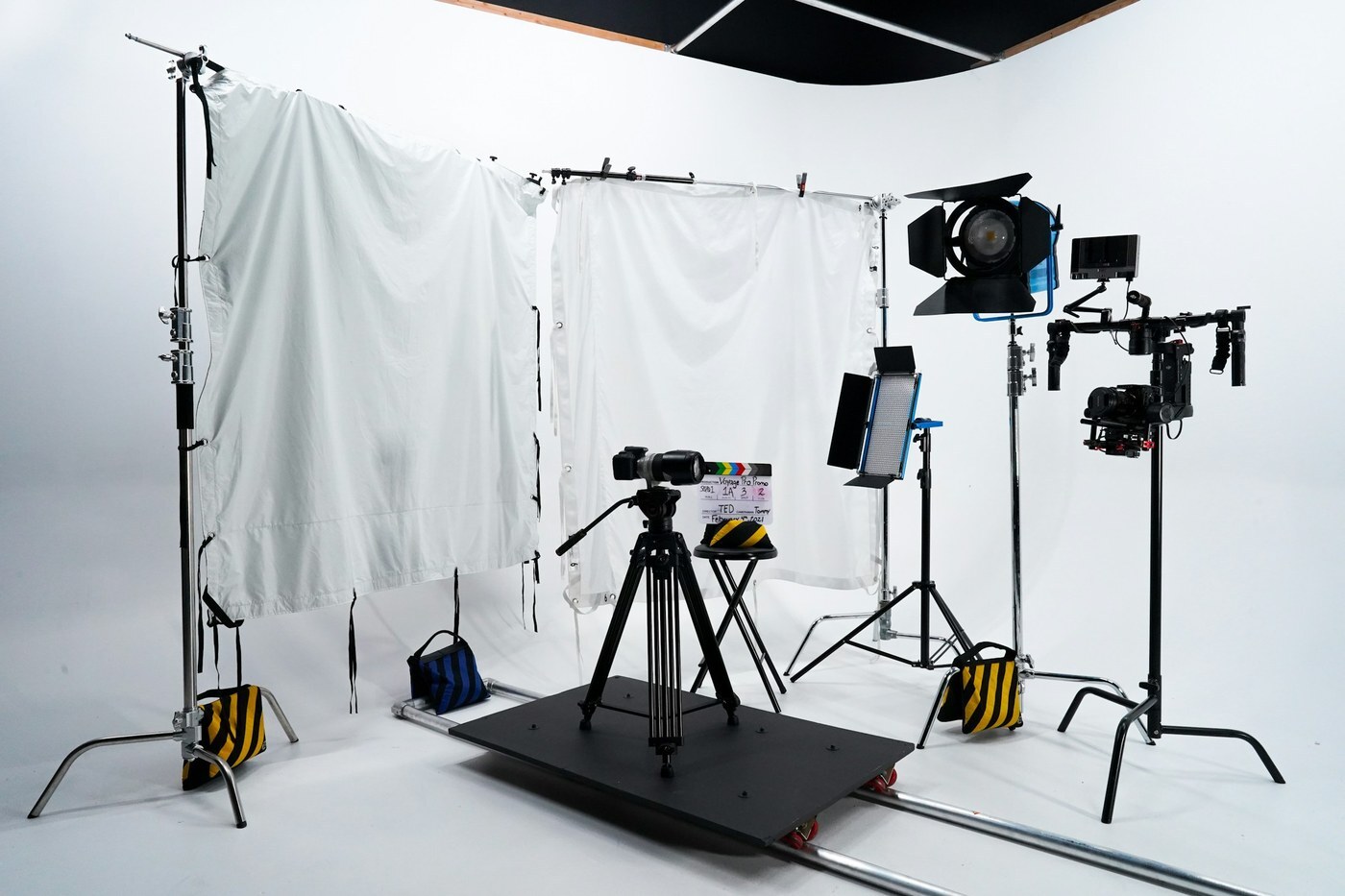

On Amazon, a shopper sees your main image before your title, your bullets, or your price. If that image breaks the rules, Amazon may reject it or pull your listing out of search. If it follows the rules but looks small or dull, shoppers scroll right past it.
The good news: Amazon publishes its image rules, and most of them are simple. You don't need an expensive studio to meet them. You need a white background, good light, a steady camera, and a checklist.
In this article, you'll learn Amazon's technical image requirements, the main image rules that cause the most problems, what your other images should show, and a simple way to shoot and check your photos before you upload them.
Great photos only help if the rest of your launch is solid. This free checklist is used by Bubba Academy students to launch faster and avoid costly rookie mistakes.
Amazon calls the first image on a detail page the main product image. It's also the image shoppers see in search results. That makes it the first thing that decides whether someone clicks.
Amazon's product photography guide makes two points every seller should remember:
Rules matter too. In a Seller Central forum post summarizing its Product Image Requirements page, Amazon says images that don't meet its standards may be rejected, removed, or changed, and that non-compliant images can get a listing suppressed from search results.
These apply to every image on your listing, not just the main one. According to Amazon's Product image requirements (Seller Central help page G1881), all images must be:
Amazon also states a few preferences:
So 500 pixels is the floor, not the goal. If you shoot at a large size and export a sharp JPEG, you clear the technical bar with room to spare.
The main image has the strictest rules. Based on Amazon's requirements page, your main image must:
Some categories have extra rules. For example, Amazon says footwear main images show a single shoe facing left at a 45-degree angle, adult clothing is shown on a standing model, and no part of a mannequin can appear. If you sell clothing, shoes, or multipacks, read the category section of the requirements page before you shoot.
Your secondary images give you more freedom. This is where lifestyle shots, size comparisons, and close-ups go. But Amazon's requirements page lists rules that apply to every image, main or not. Every image must:
A note on text: Amazon's requirements page includes the line "Not include text or pricing details (Swatch only)," and sellers have pointed out on the Seller Central forums that different Amazon guides read differently on text in secondary images. Before you add text overlays or infographics, check the current guide for your category in Seller Central.
Amazon recommends at least six images. Its photography guide describes several types of shots. Here's how they fit together on a listing:
Then add a product video if you can, since Amazon recommends one.
Your images and your text should tell the same story. If you're also tightening your titles under Amazon's new limits, our guide to the 75-character title limit explains how to move details into other parts of the listing, where an image can back them up.
Photos, titles, and bullets work as one system. Bubba Academy's step-by-step program shows Amazon sellers how to build listings that follow the rules and still stand out.
Amazon's photography guide says you can take product photos with a smartphone. Here's a simple setup based on its advice:
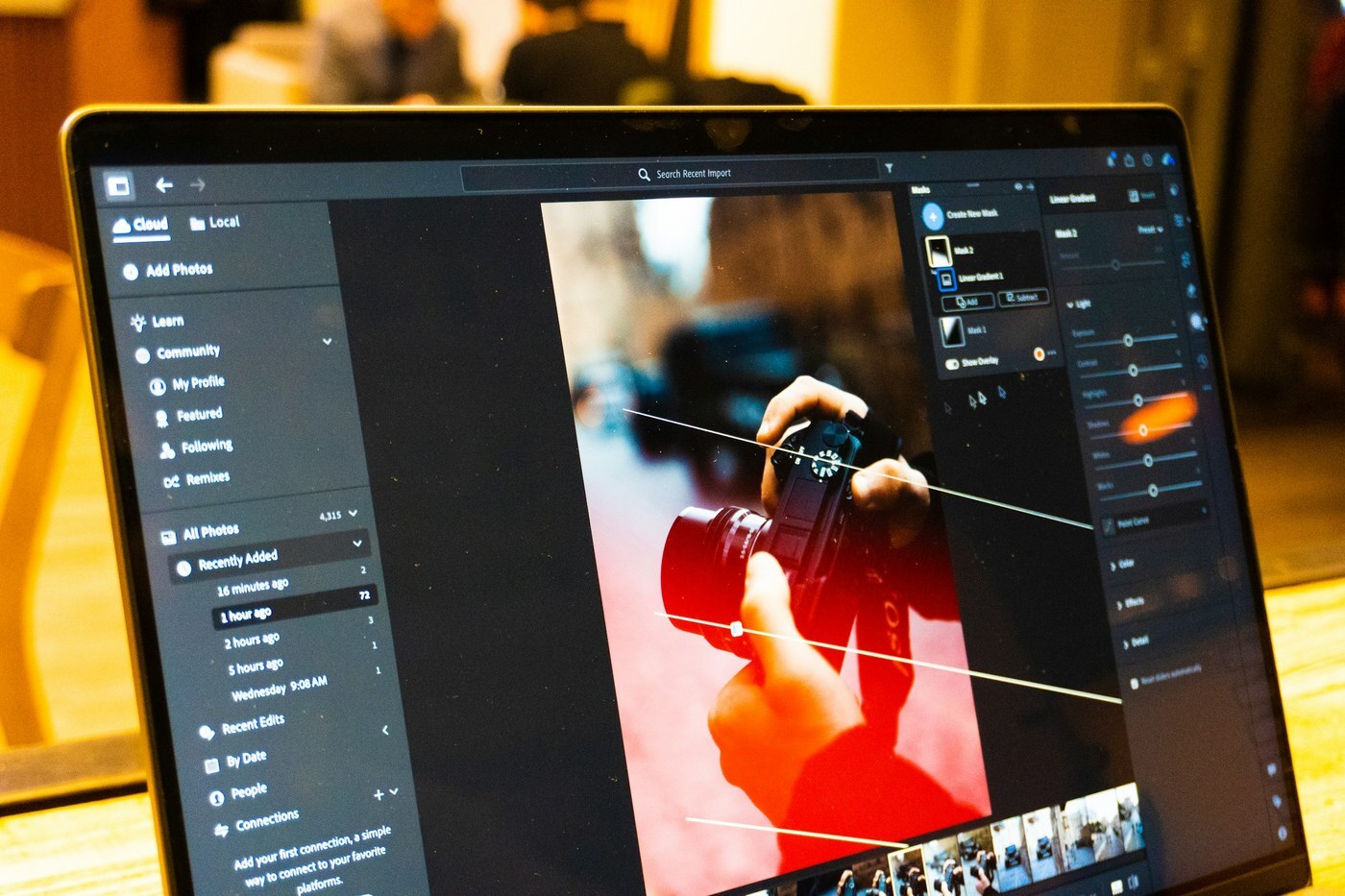
Amazon's guide recommends adjusting brightness and contrast, correcting colors, sharpening, cropping for a consistent shape, and removing distractions such as dust or glare. Keep colors true to the real product, since buyers will compare what arrives with what they saw.
Before you upload, run this quick check on your main image:
Keep in mind that uploading an image doesn't guarantee it will show. Amazon says that when several sellers provide images for the same product, it picks the ones that best meet its standards, and that may not be the brand owner's image. If you own the brand, our Brand Registry guide explains the tools that give you more control over your listings.
Amazon's forum summary points to two places in Seller Central:
Most fixes come straight from the checklist above: a background that isn't pure white, a product that's too small in the frame, or text and graphics on the main image. Fix the file, upload it again, and check the listing once it updates. To keep the rest of your seller account in good shape, see our guide to Account Health Rating.
Good Amazon images don't need a big budget. They need to follow a short list of rules and show shoppers exactly what they'll get.
The key takeaways:
Your next step: Open your top-selling listing today and run the six-point main image check above. If anything fails, reshoot or re-edit that image first.
Bubba Academy trains sellers on product research, Brand Registry, listings, FBA, ads, and pricing, including how to build product pages with images that follow Amazon's rules and help shoppers decide.
Join Bubba Academy Today →Amazon's requirements say every image must be 500 to 10,000 pixels on its longest side. Amazon prefers images larger than 1,000 pixels so shoppers can zoom, and it prefers the JPEG format.
A pure white background, with RGB color values of 255, 255, 255. Amazon says this keeps the shopping experience consistent across search results and product detail pages.
Amazon's main image rules say to show the product as 85% of the image, and its photography guide says to have the product fill 85% or more of the frame, without cutting off any part of it.
Not on the main image: it can't have text, logos, borders, color blocks, watermarks, or other graphics. No image may include customer reviews, star graphics, claims like free shipping, Amazon logos, or badges such as "Best seller" or "Amazon's Choice." Check the current guide for your category before you add text to other images.
Every product needs at least one image. Amazon recommends at least six images and one video.